
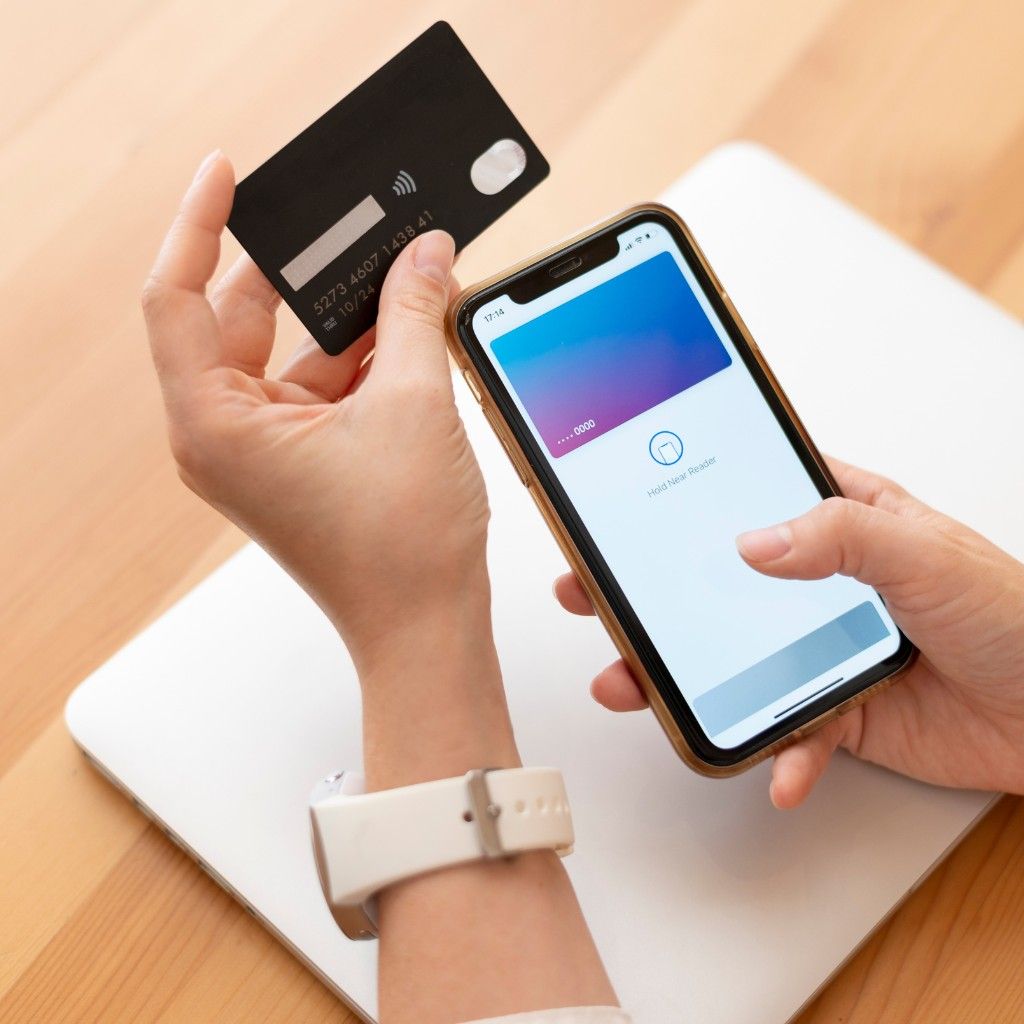
How to Remove Cards from Apple Wallet
Managing your Apple Wallet is simple. If you’ve added your Cardmonk digital business card and need to remove it, you can do so in seconds. Open Apple Wallet, select your card, tap the three dots, and choose “Remove Pass.”
This doesn’t delete your Cardmonk account — it only removes the card from your wallet. You can re-add or share it again anytime directly from your Cardmonk dashboard.
“Cardmonk integrates seamlessly with Apple Wallet — you’re always in control of your digital identity.”
Manage Cards with Ease
Cardmonk makes it simple to add or remove your digital business cards in Apple Wallet or Google Wallet with a single click.
Even after removal, your Cardmonk card remains active online — ready to share anytime via link or QR code.
Get the CardMonk Mobile App
Create, update, and share your digital business card instantly. Smart networking is now always in your pocket.
 GET IT ON
Google Play
GET IT ON
Google Play
 Download on the
App Store
Download on the
App Store
Official CardMonk App • Secure • Lightweight • Easy to use