
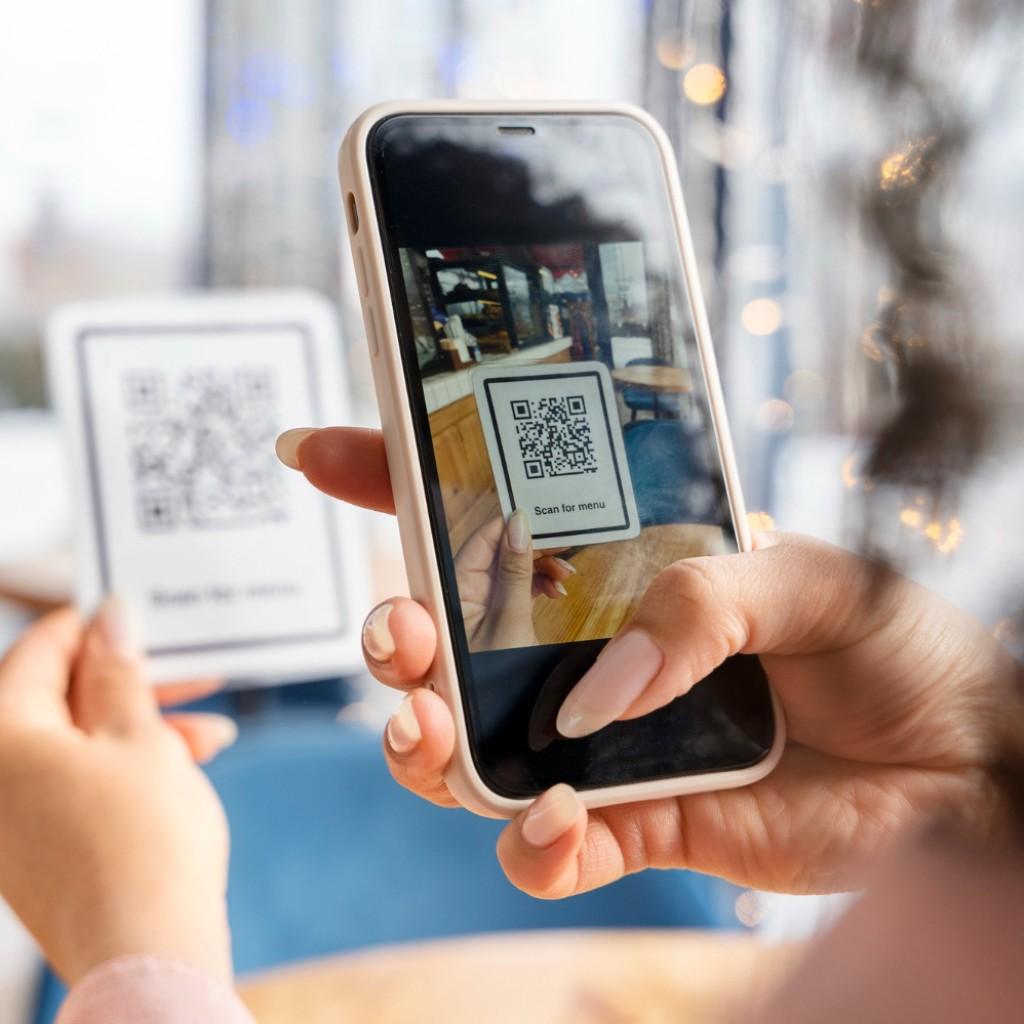
How to Create a QR Code for Your Business Card
QR codes have revolutionized how we share contact information. With Cardmonk, you can instantly generate and embed a personalized QR code into your digital business card — allowing others to save your details with a single scan.
It’s fast, secure, and eliminates the need for printing or manual entry. Your QR code updates automatically when you change any information on your Cardmonk profile.
“A smart QR code turns your business card into a gateway to your professional world.”
Smart Sharing Made Simple
Every Cardmonk user gets a unique QR code that can be shared digitally or printed if needed — linking directly to your live digital business card profile.
With automatic updates, your QR code never expires — ensuring that people always have your most current information.
Get the CardMonk Mobile App
Create, update, and share your digital business card instantly. Smart networking is now always in your pocket.
 GET IT ON
Google Play
GET IT ON
Google Play
 Download on the
App Store
Download on the
App Store
Official CardMonk App • Secure • Lightweight • Easy to use