
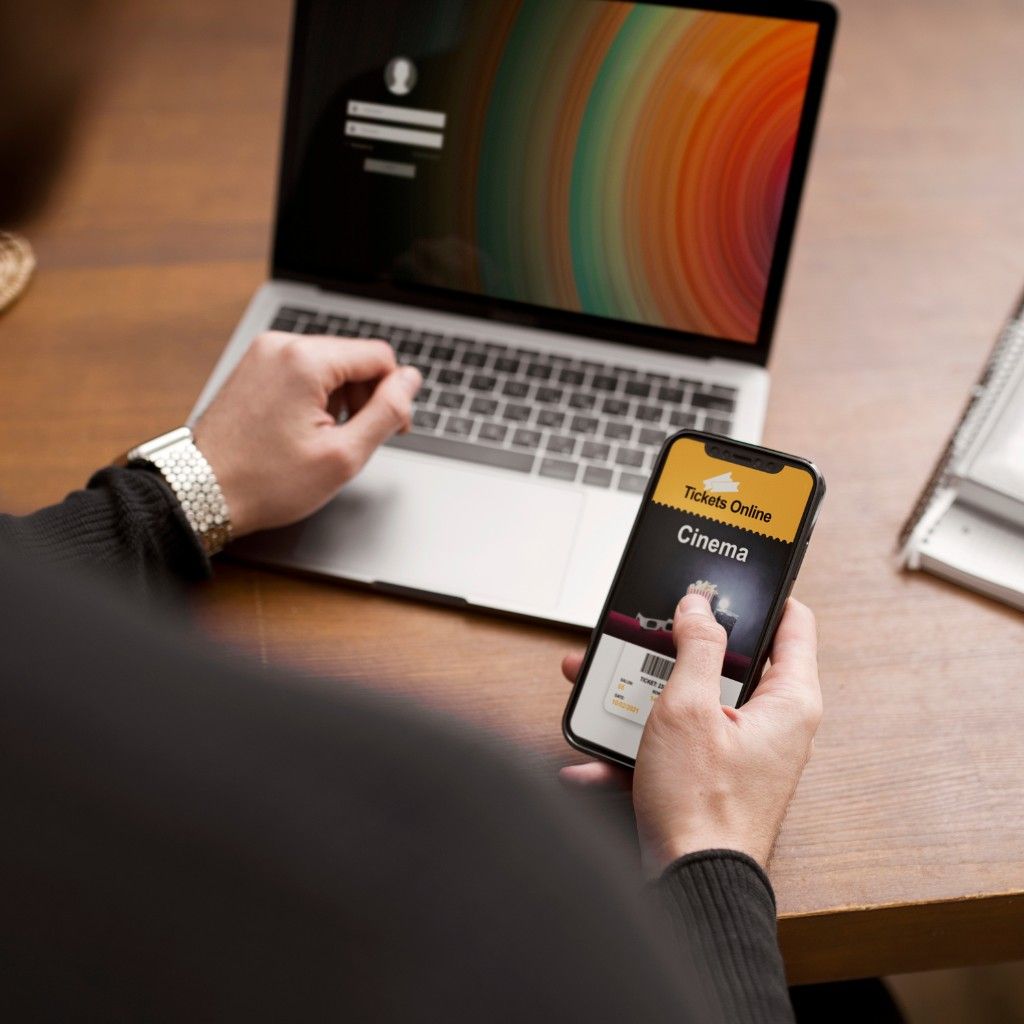
How to Add Your Digital Business Card to Apple Wallet
With Cardmonk, adding your business card to Apple Wallet is simple. From your dashboard, click “Add to Wallet,” and your personalized card will appear on your iPhone within seconds — ready to share anytime.
Your Cardmonk card automatically updates if you change details, ensuring your Apple Wallet version is always current and professional.
“Keep your digital business identity just a tap away with Cardmonk and Apple Wallet.”
Instant Access, Anywhere
Once added to Apple Wallet, your Cardmonk card can be shared via tap, QR scan, or link — perfect for events and meetings.
Cardmonk’s smart integration ensures smooth syncing and automatic updates, keeping your info accurate at all times.
Get the CardMonk Mobile App
Create, update, and share your digital business card instantly. Smart networking is now always in your pocket.
 GET IT ON
Google Play
GET IT ON
Google Play
 Download on the
App Store
Download on the
App Store
Official CardMonk App • Secure • Lightweight • Easy to use